T-ANIMPA-008-005
You need to send drawings to the Drawing Desk and enable the Shift and Trace option to be able to use it.
How to enable the Shift and Trace mode
- Go to the Drawing view.
- In the Tools toolbar, click the Show Onion Skin
 button.
- Send the selected drawings to the drawing desk.
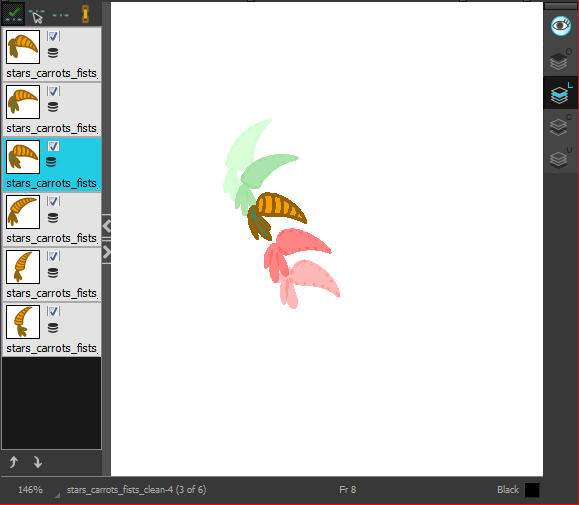
- In the Drawing Desk toolbar, click the Shift and Trace Enable
 button.
Registration marks appear at the bottom of your drawings.

Next Topic
Shifting Drawings